
Unpixelate and Enhance an Image
Upload a pixelated image, get a sharper 2K version.
Also searched as: unpixelate image · unblur image · fix pixelated image · image enhancer
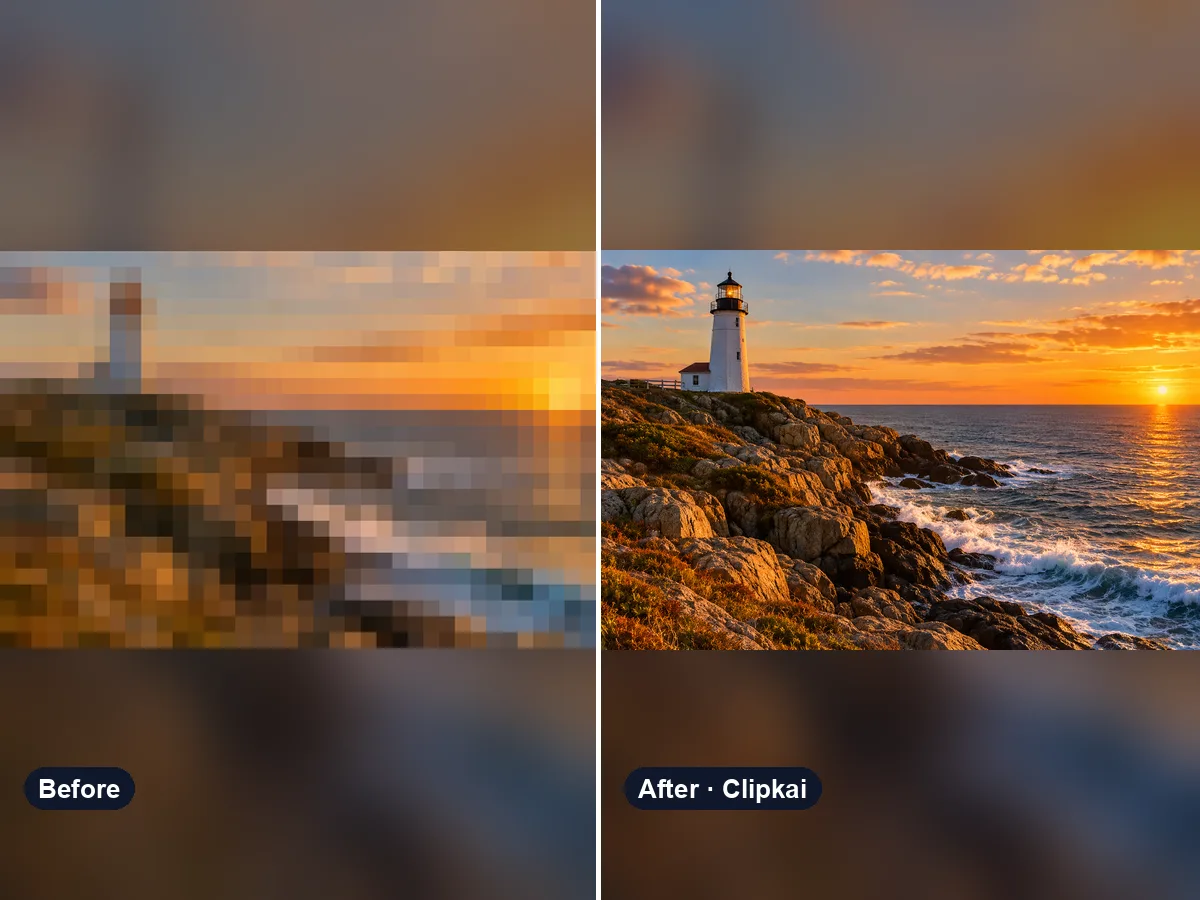
Make yours: Unpixelate and Enhance an Image
What is Unpixelate and Enhance an Image?
Old screenshots, compressed chat photos and tiny thumbnails look blocky when enlarged. This tool removes pixelation and compression noise and rebuilds fine detail, outputting a sharper 2K image.
How it works
- 1Upload a clear photo.
- 2Press Generate — the credit cost is shown on the button.
- 3Preview the result and download it in full quality.
Photo tips
- Use the highest-resolution version you have.
- JPG, PNG or WebP up to 10 MB.
- Only upload images you have the right to edit.
What the AI keeps
- Faces, composition and colors
What the AI changes
- Resolution, sharpness and noise
Price
Each image costs 32 credits, shown on the button before you confirm. If a generation fails, the credits go back to your balance automatically.
See plans and credit packsFrequently asked questions
Results are AI-generated and can vary between runs. Trend names belong to their respective owners; templates on this site are independent and unaffiliated.
You may also like
View all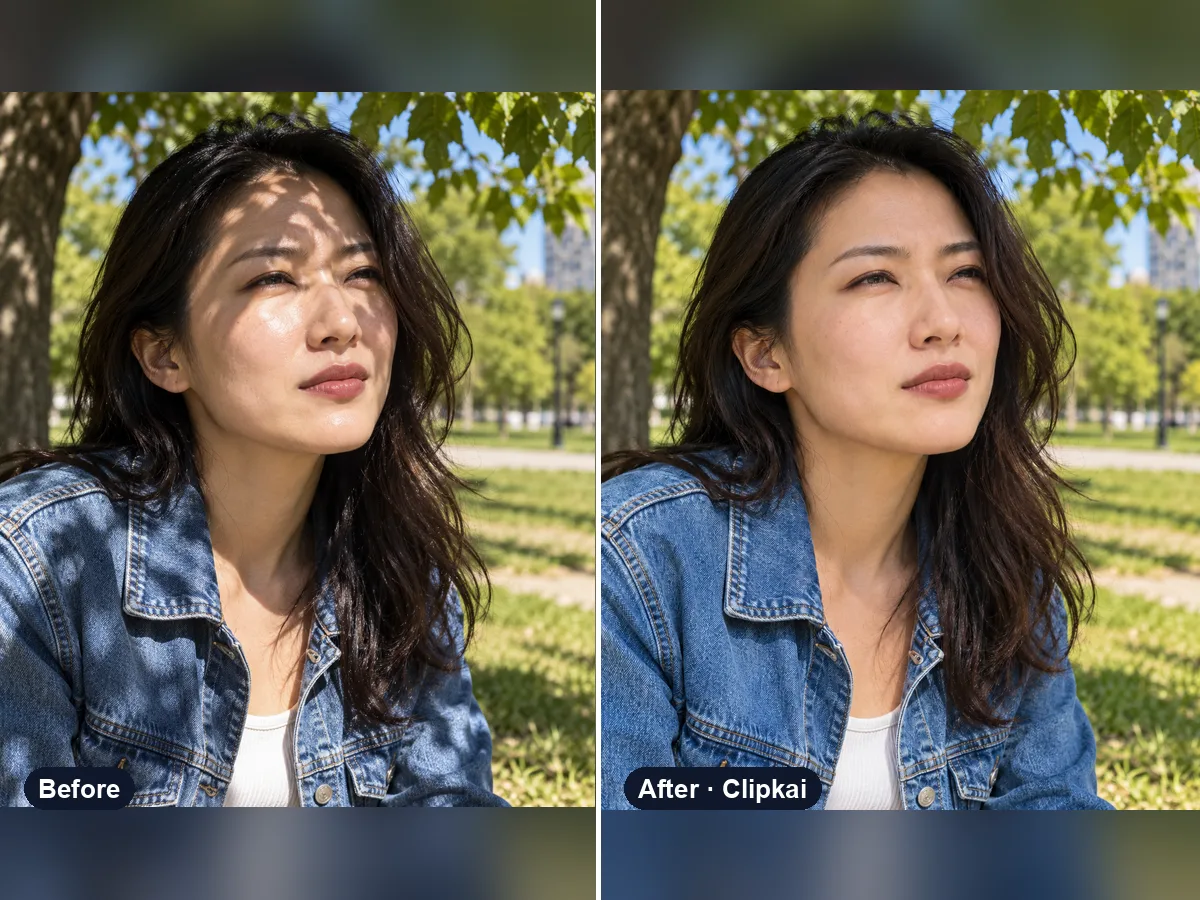
Remove Shadows and Glare from a Photo
Upload a harshly lit photo, get even, natural light.
16 credits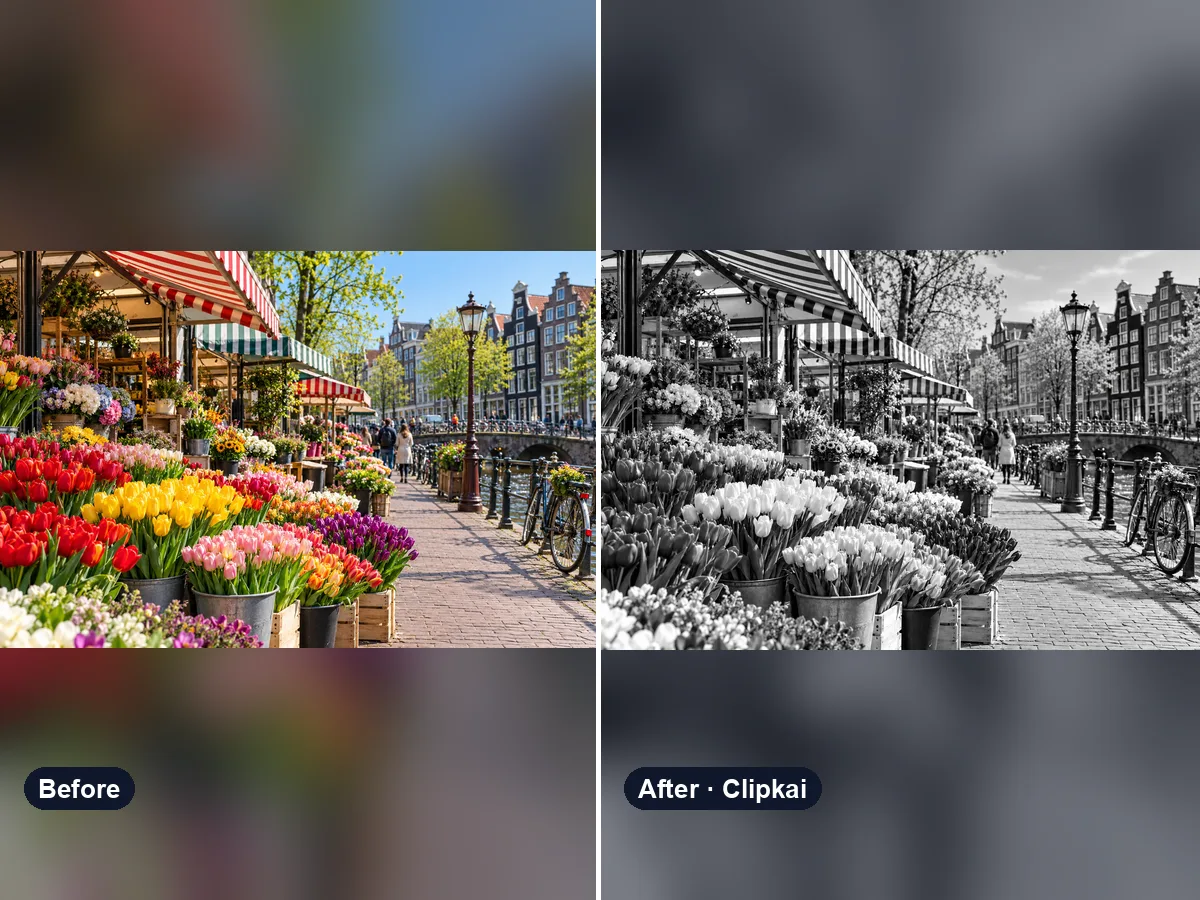
Remove Color from an Image
Upload an image, get a clean black-and-white version — or remove one color.
16 credits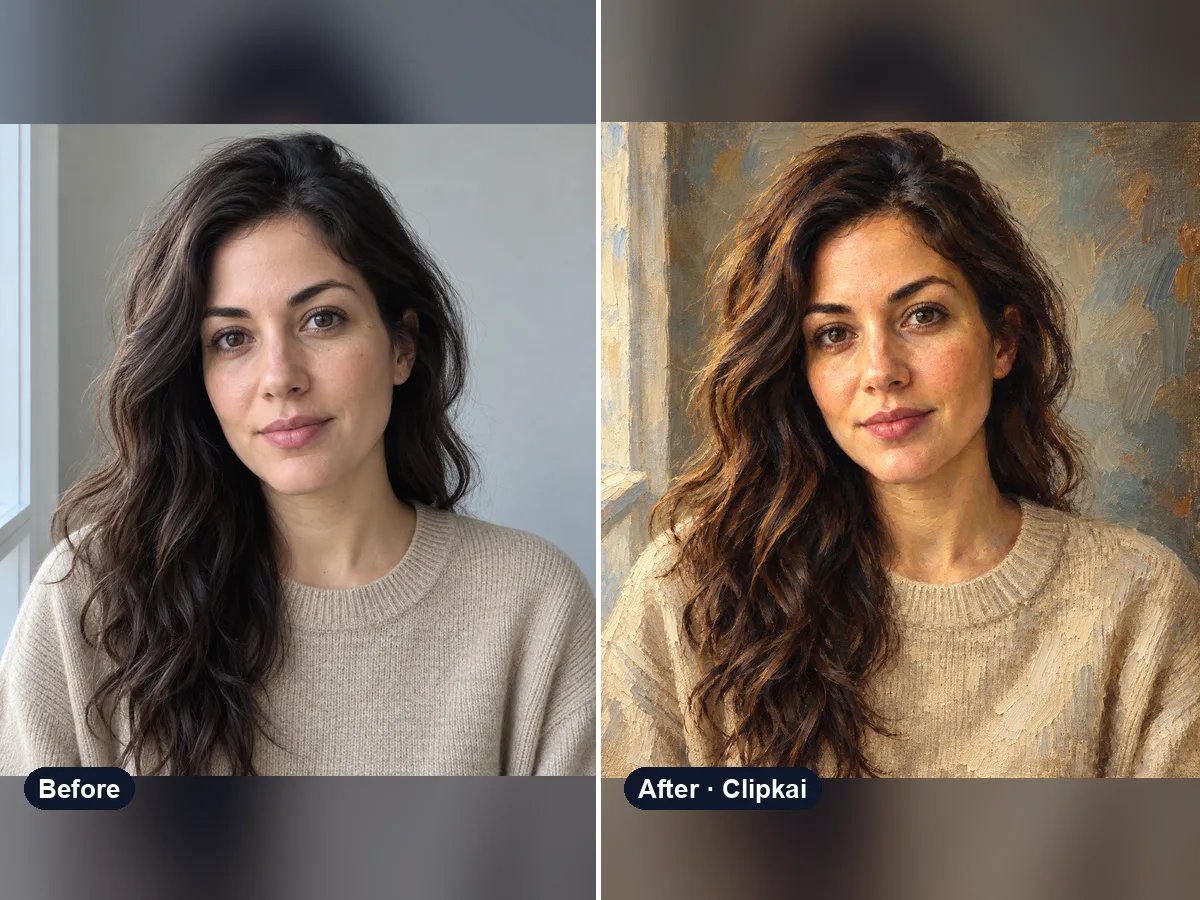
Photo to Oil Painting
Upload a photo, get a classical oil painting of it.
16 credits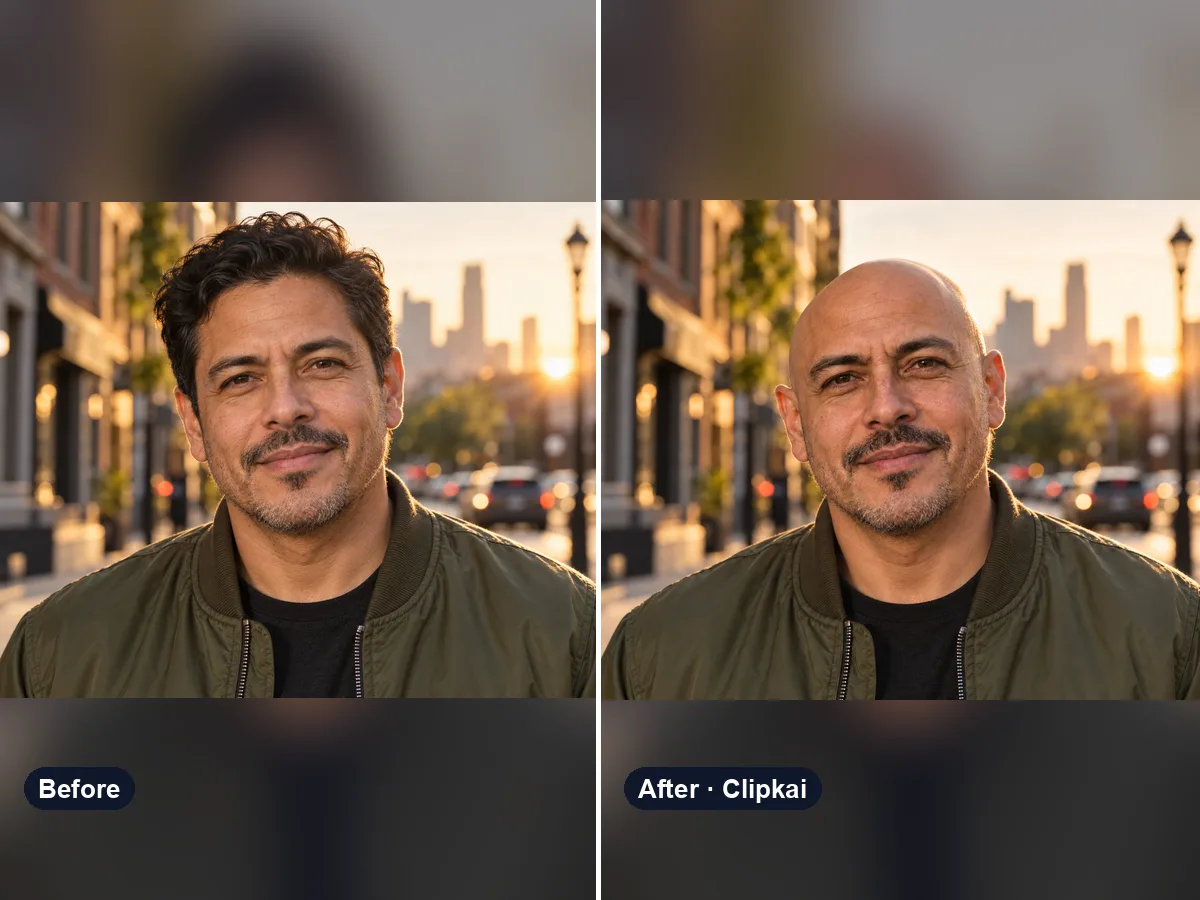
AI Bald Filter
One photo in, a realistic bald version of you out.
16 credits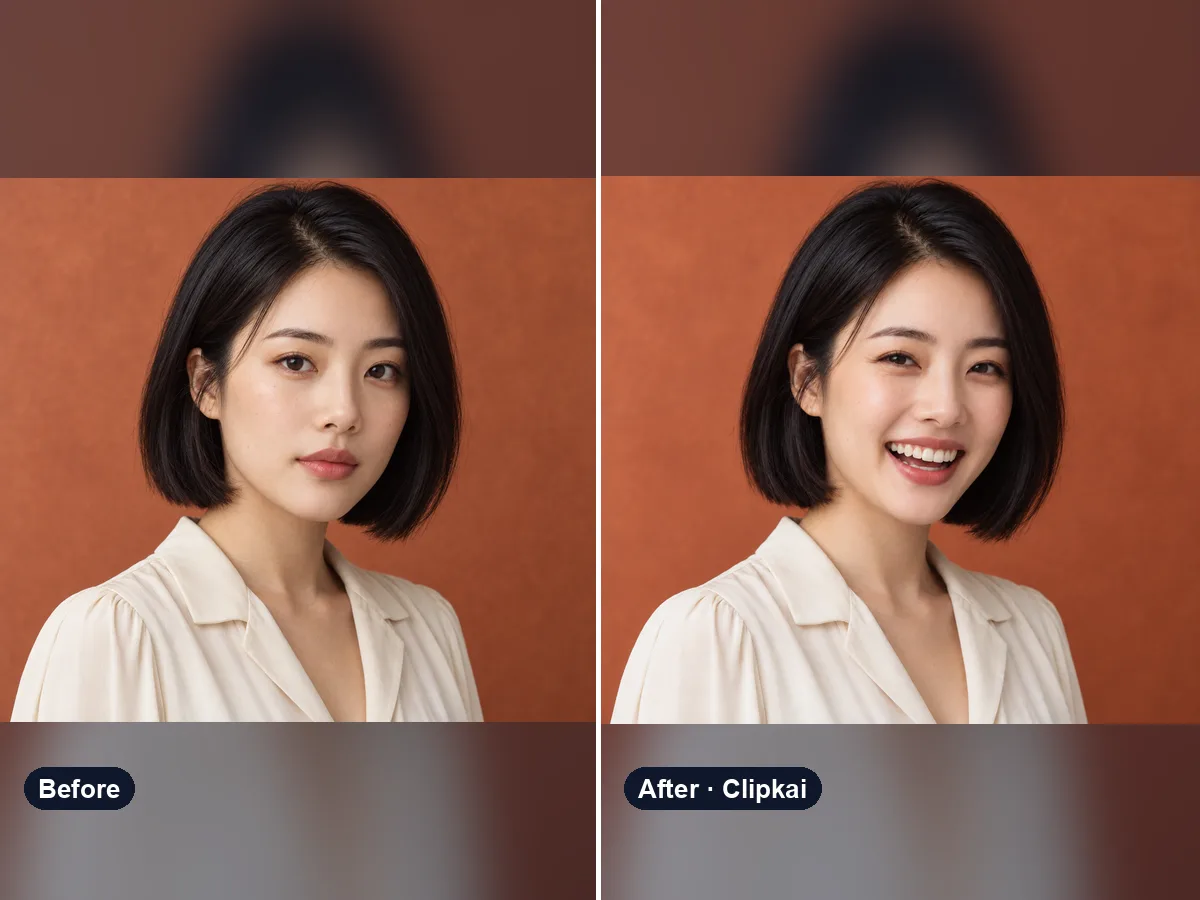
AI Smile Generator
Upload a photo, get the same photo with a natural smile.
16 credits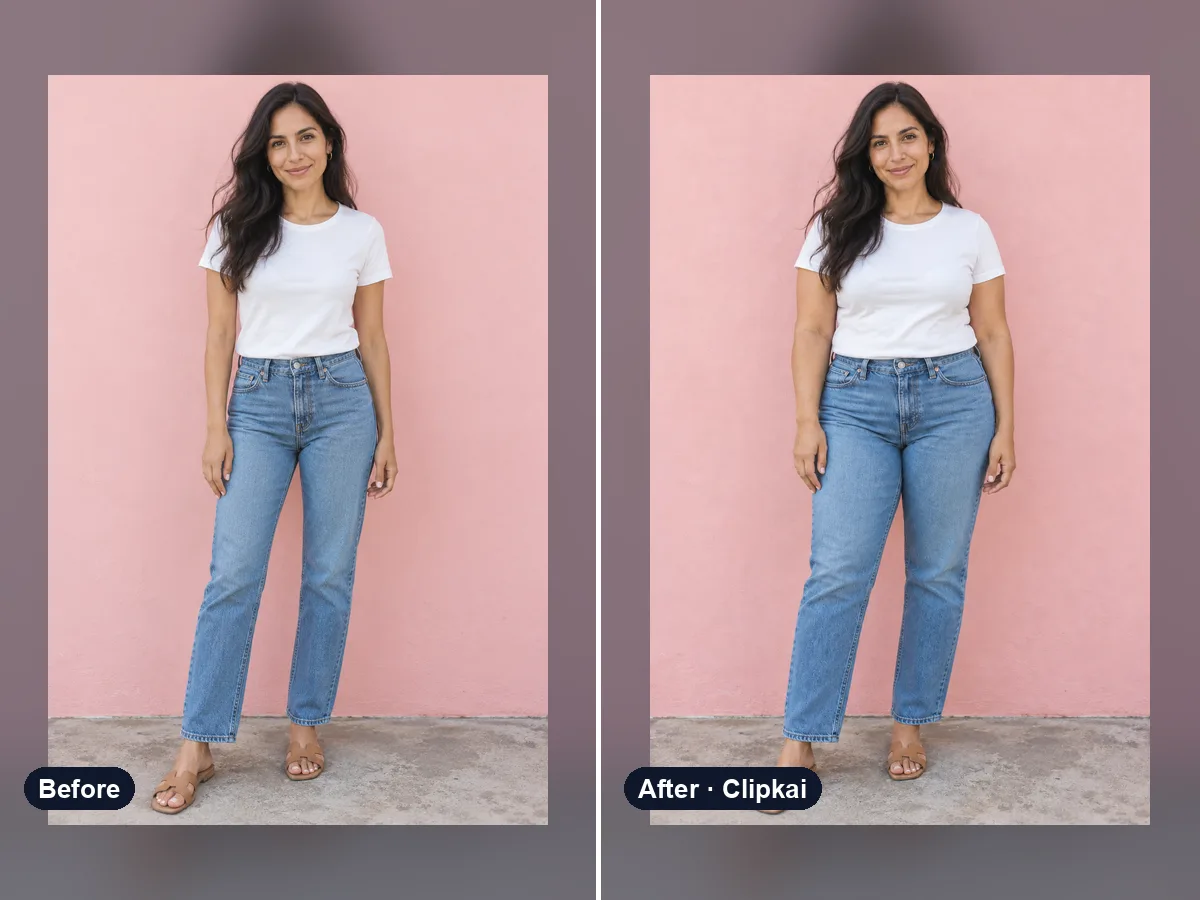
AI Fat Filter
One photo in, a realistic heavier version out.
16 credits