
AI Fat Filter
One photo in, a realistic heavier version out.
Also searched as: ai fat filter · fat filter · fat face filter
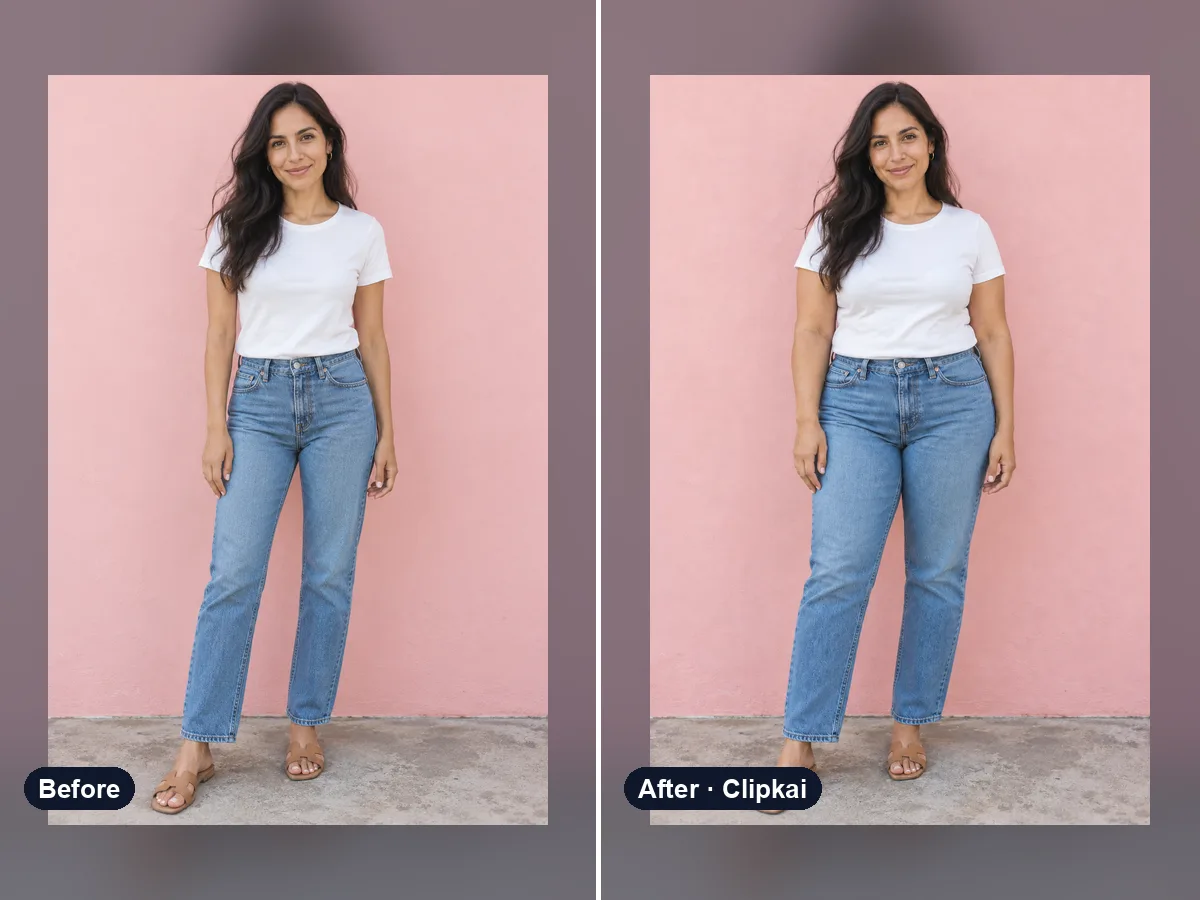
Make yours: AI Fat Filter
What is AI Fat Filter?
The AI fat filter shows a heavier version of you with a fuller face and body, while keeping your identity, outfit style and background. It is popular for challenges and comparison posts.
How it works
- 1Upload a clear photo.
- 2Press Generate — the credit cost is shown on the button.
- 3Preview the result and download it in full quality.
Photo tips
- One person, face clearly visible and well lit.
- Front-facing or slight angle works best.
- Avoid heavy beauty filters; they confuse the edit.
- Only upload photos you have the right to use.
What the AI keeps
- Identity and expression
- Outfit style and background
What the AI changes
- Face fullness
- Body width and clothing fit
Price
Each image costs 16 credits, shown on the button before you confirm. If a generation fails, the credits go back to your balance automatically.
See plans and credit packsFrequently asked questions
Results are AI-generated and can vary between runs. Trend names belong to their respective owners; templates on this site are independent and unaffiliated.
You may also like
View all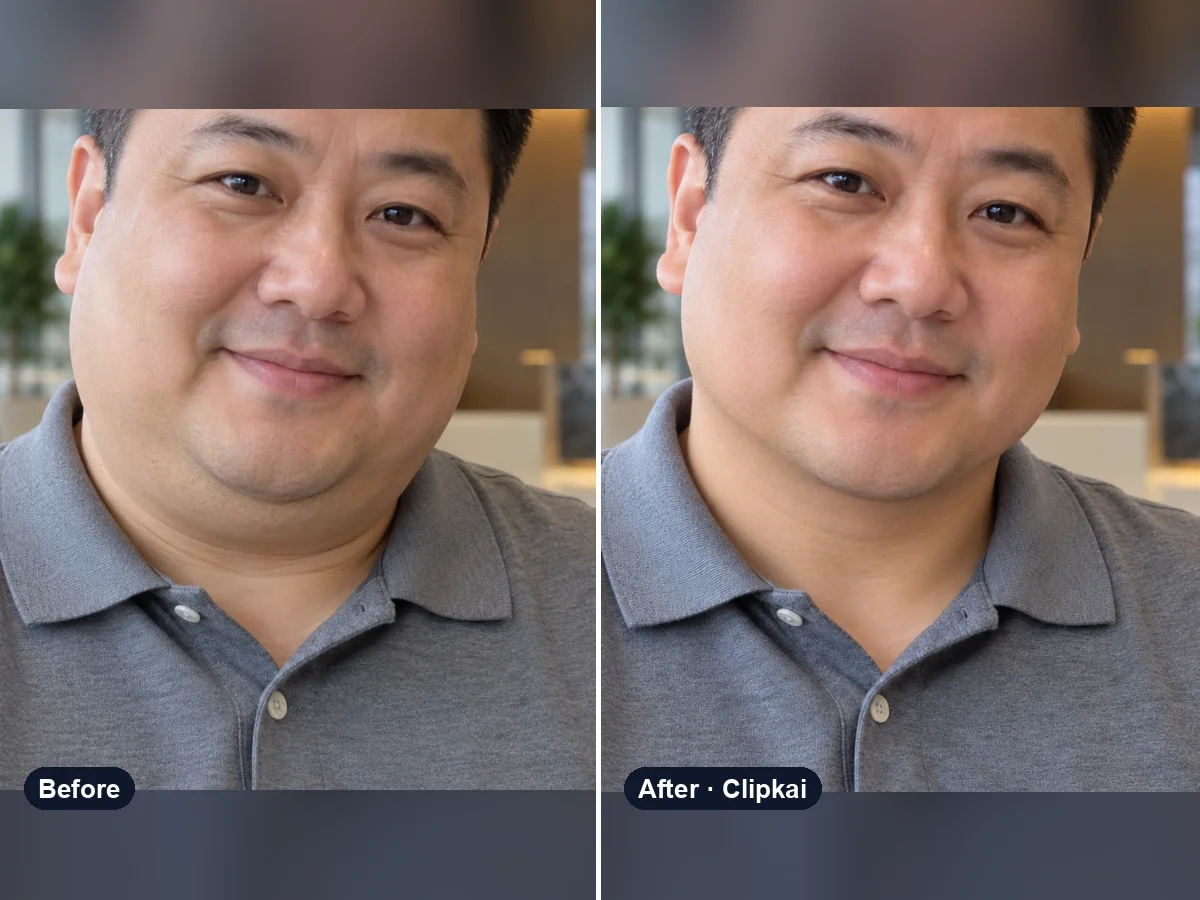
AI Double Chin Remover
Upload a photo, get the same photo with a defined jawline.
16 credits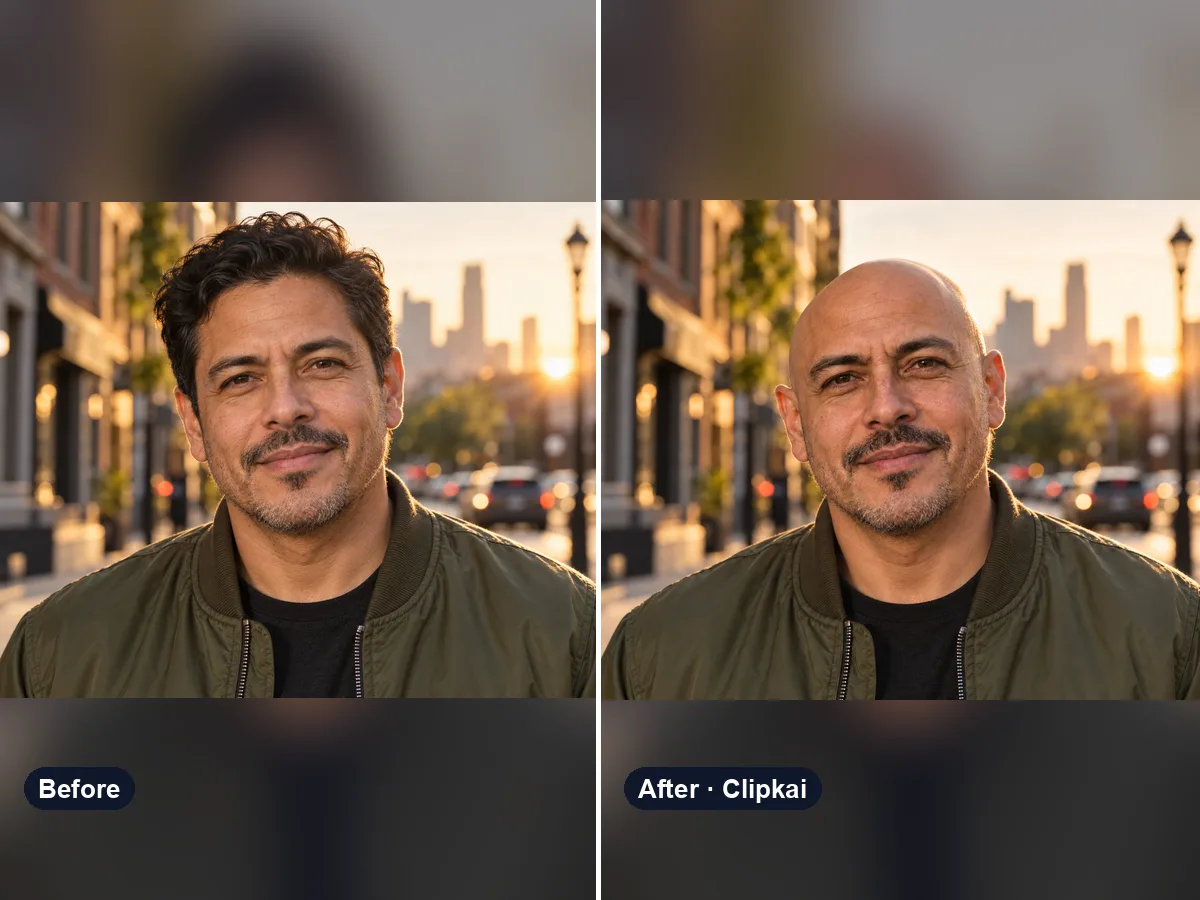
AI Bald Filter
One photo in, a realistic bald version of you out.
16 credits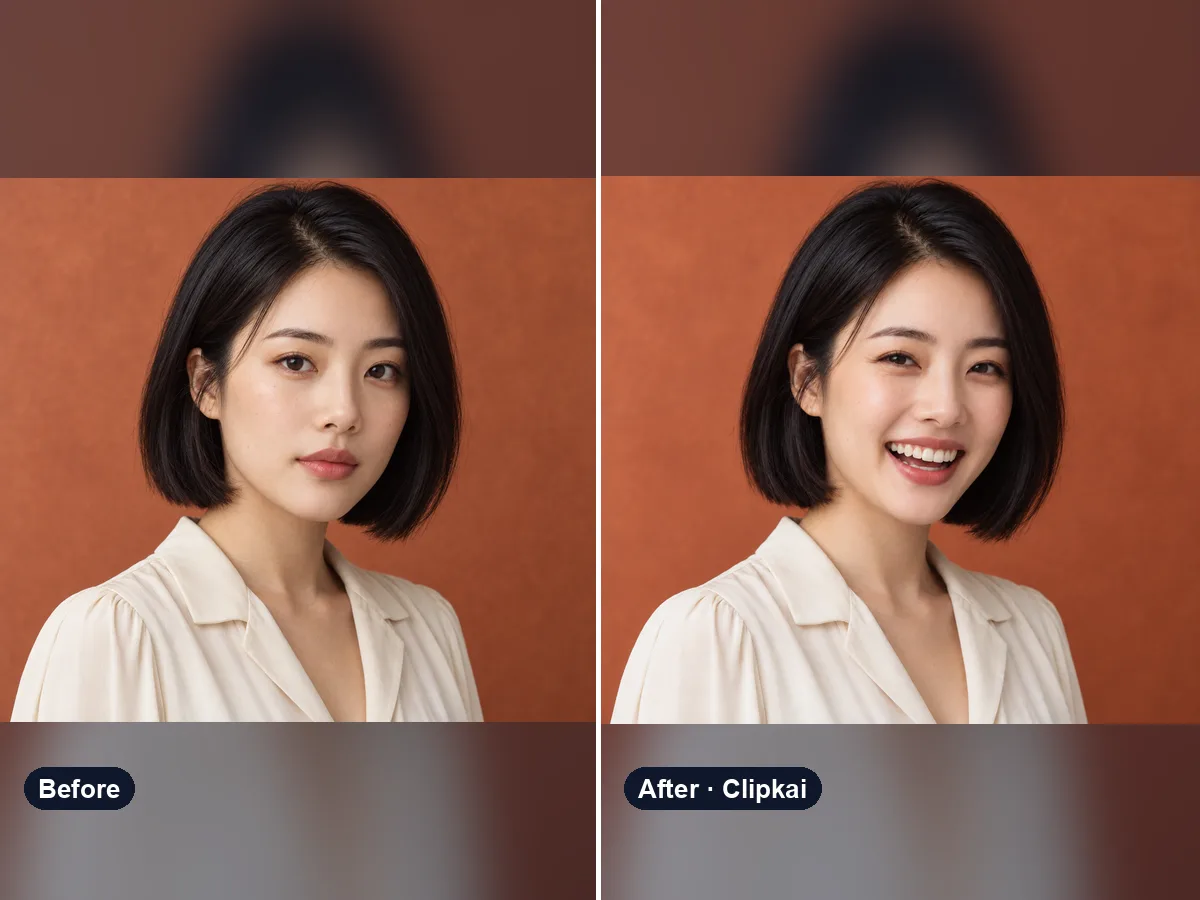
AI Smile Generator
Upload a photo, get the same photo with a natural smile.
16 credits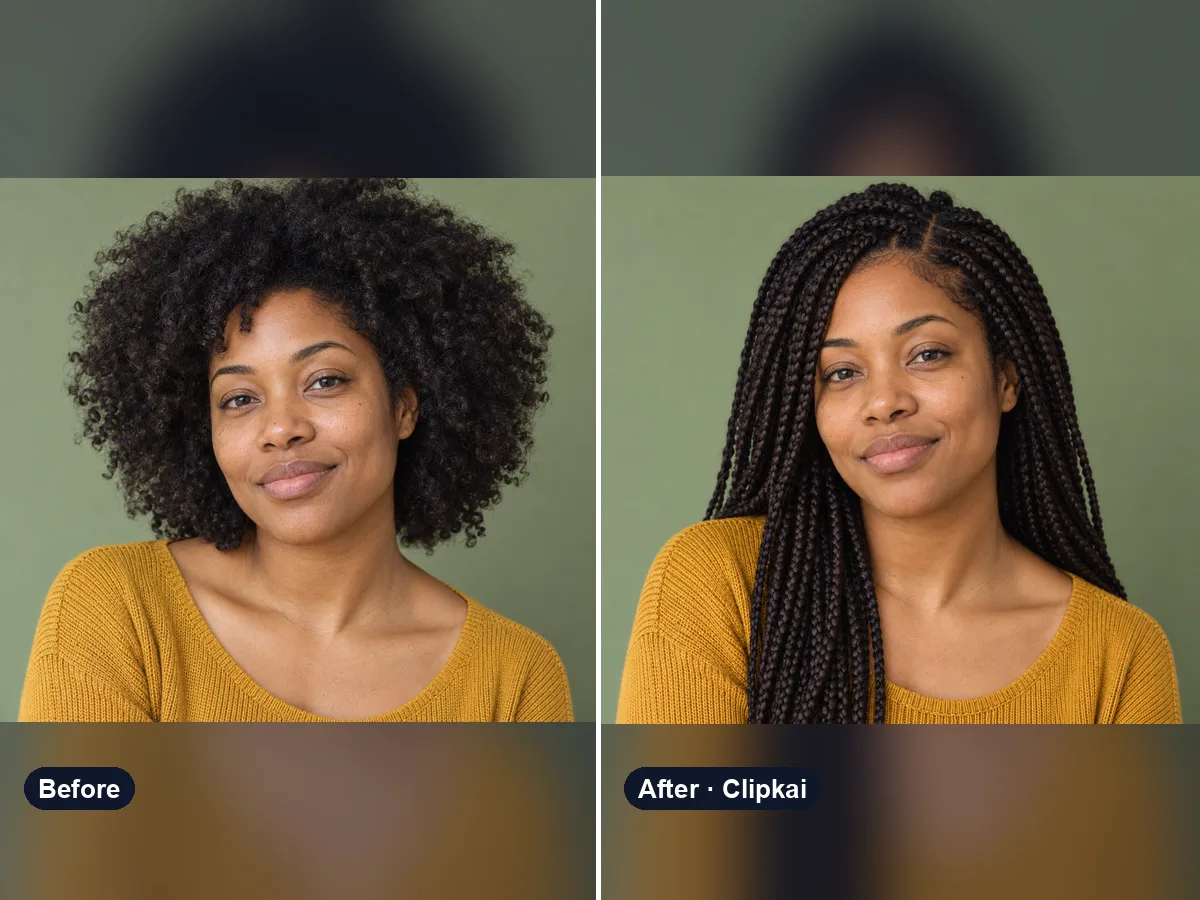
AI Hairstyle Changer
Upload a selfie, describe a style, see your new hair.
16 credits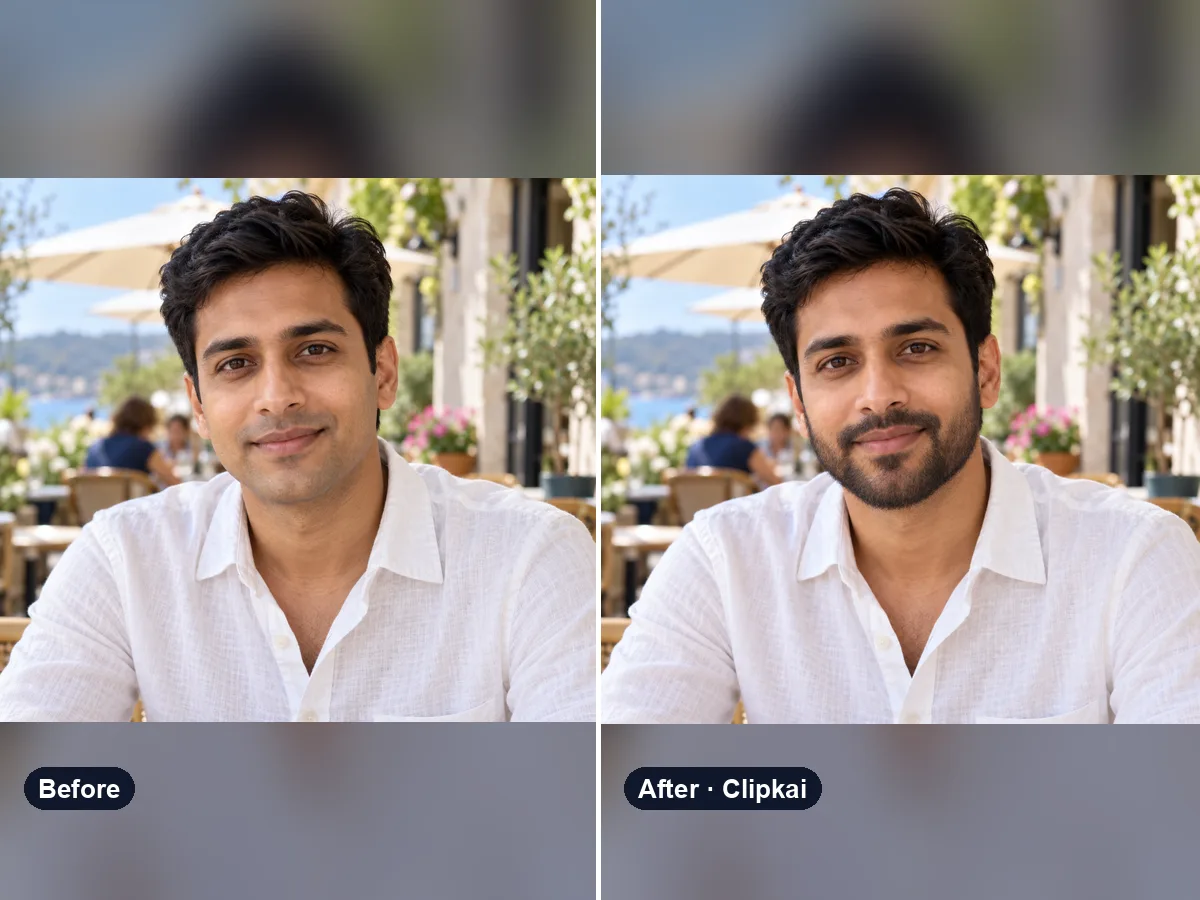
AI Beard Filter
Upload a photo, try a beard (or a clean shave).
16 credits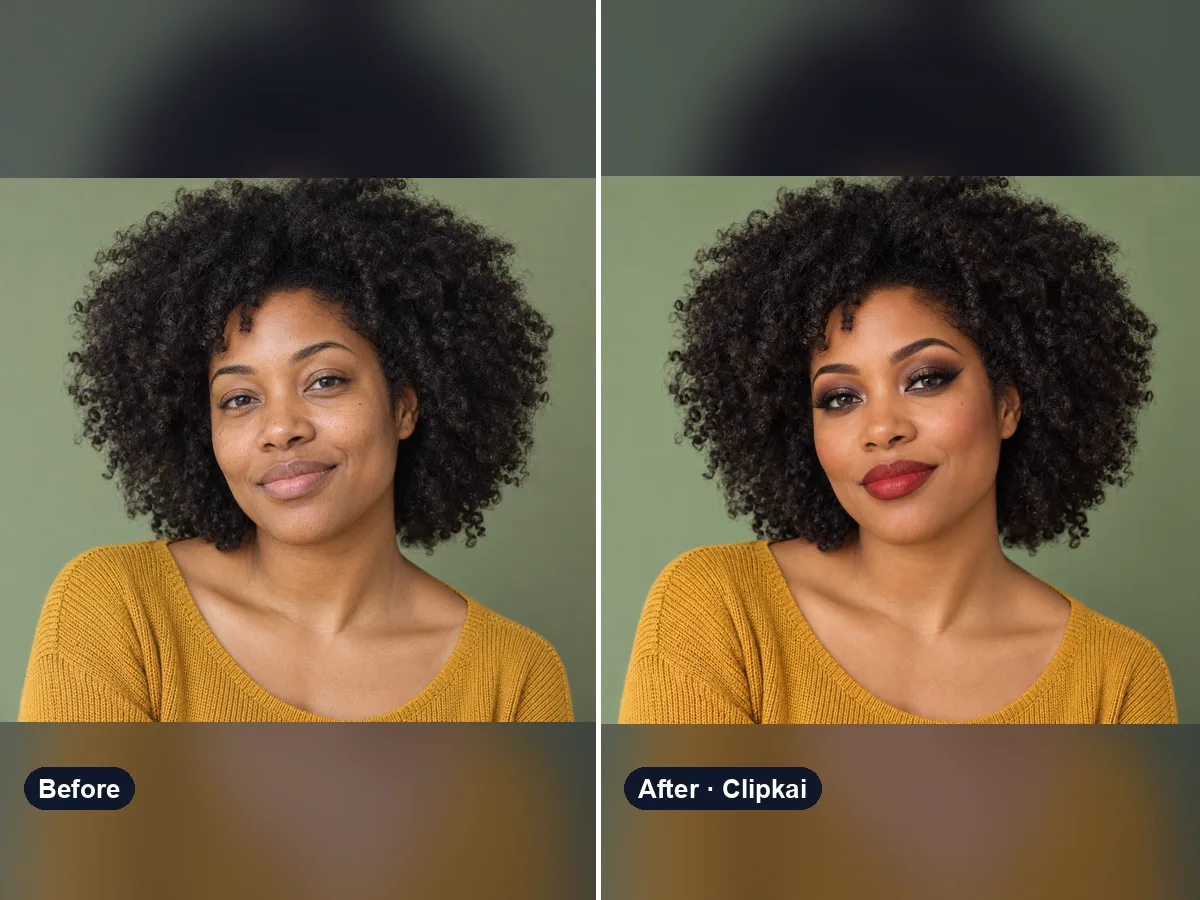
AI Makeup Try-On
Upload a selfie, describe a look, see it on your face.
16 credits